Hummingbot
Introduction
Hummingbot is an open source platform that helps you design, backtest, and deploy fleets of automated crypto trading bots.
In this guide, we go through the basic steps to deploy a Hummingbot instance on a full VM running on the TFGrid.
Prerequisites
- A TFChain account
- TFT in your TFChain account
Deploy a Full VM
We start by deploying a full VM on the ThreeFold Dashboard.
- On the Threefold Dashboard, go to the full virtual machine deployment page
- Deploy a full VM (Ubuntu 22.04) with an IPv4 address and at least the minimum specs for Hummingbot
- IPv4 Address
- Minimum vcores: 1vcore
- Minimum MB of RAM: 4096GB
- Minimum storage: 15GB
- After deployment, note the VM IPv4 address
- Connect to the VM via SSH
-
ssh root@VM_IPv4_address
-
Preparing the VM
We prepare the full VM to run Hummingbot.
- Update the VM
apt update - Install Docker
Setting Hummingbot
We clone the Hummingbot repo and start it via Docker.
- Clone the Hummingbot repository
git clone https://github.com/hummingbot/hummingbot.git
cd hummingbot - Start Hummingbot
docker compose up -d - Attach to instance
docker attach hummingbot
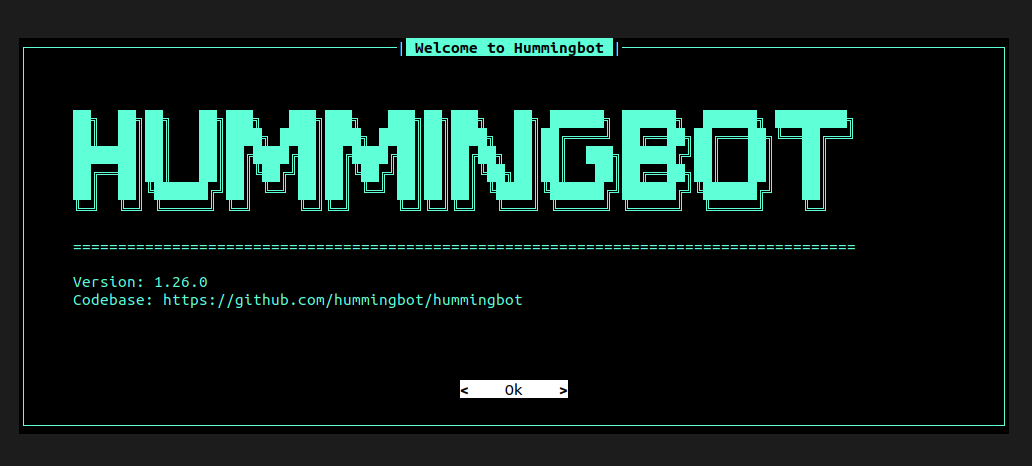
You should now see the Hummingbot page.
References
The information to install Hummingbot have been taken directly from their documentation.
For any advanced configurations, you may refer to the Hummingbot documentation.