Peertube
Introduction
Peertube aspires to be a decentralized and free/libre alternative to video broadcasting services.
Prerequisites
- Make sure you have a wallet
- From the sidebar click on Applications
- Click on Peertube
Deployment
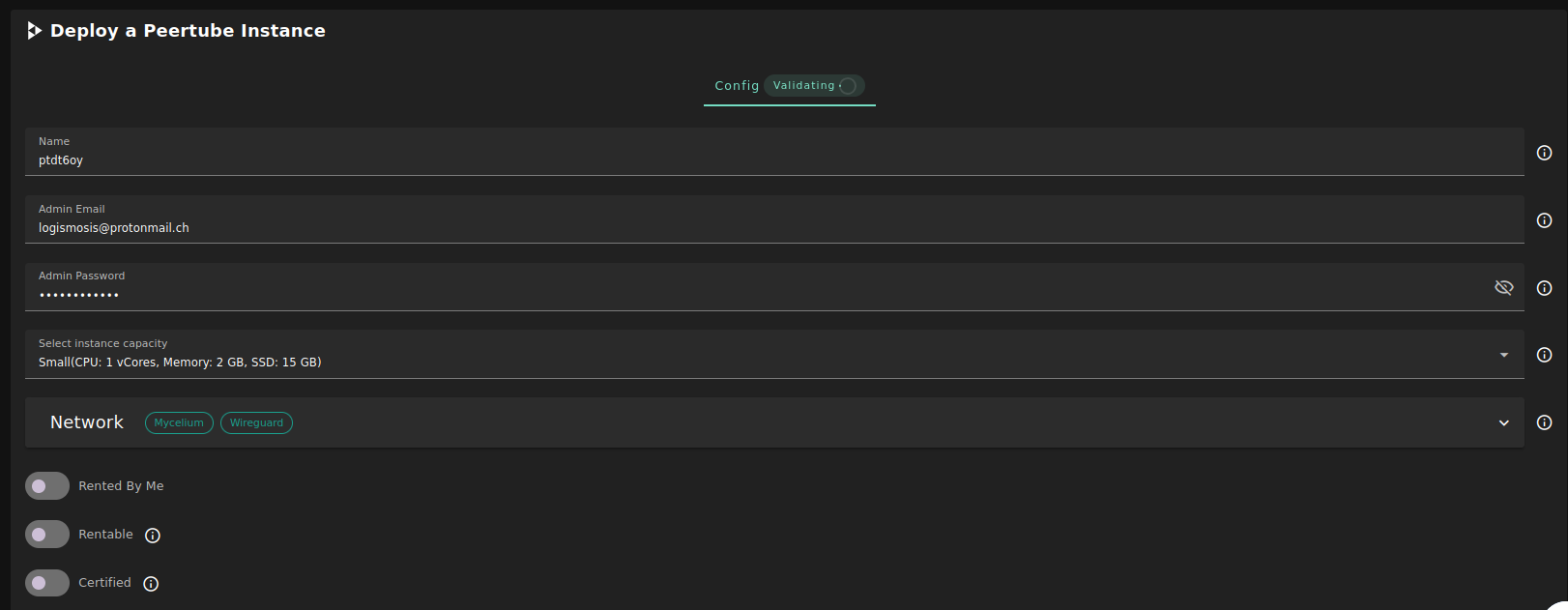
-
Enter an Application Name. It's used in generating a unique subdomain on one of the gateways on the network alongside your twin ID. the applied format
<solution-code><twin-id><solution-name>.<gateway-subdomain>Ex. pt100peerprod.gent02.dev.grid.tf -
Enter an email and password which will be used for the admin login.
-
Select a capacity package:
- Small: { cpu: 1, memory: 2, diskSize: 15 }
- Medium: { cpu: 2, memory: 4, diskSize: 100 }
- Large: { cpu: 4, memory: 16, diskSize: 250 }
- Or choose a Custom plan
-
Choose the network
Myceliumflag gives the virtual machine a Mycelium address
-
Rented By Meflag to retrieve nodes currently reserved by you -
Rentableflag to retrieve nodes that can be reserved as dedicated nodes -
Certifiedflag to retrieve only certified nodes -
Choose the location of the node
RegionCountryFarm Name
-
Choose the node to deploy on
Or you can select a specific node with manual selection.
Custom Domainflag lets the user to use a custom domain- Choose a gateway node to deploy your Peertube instance on.
After that is done you can see a list of all of your deployed instances

Click on Visit to go to the homepage of your Peertube instance!
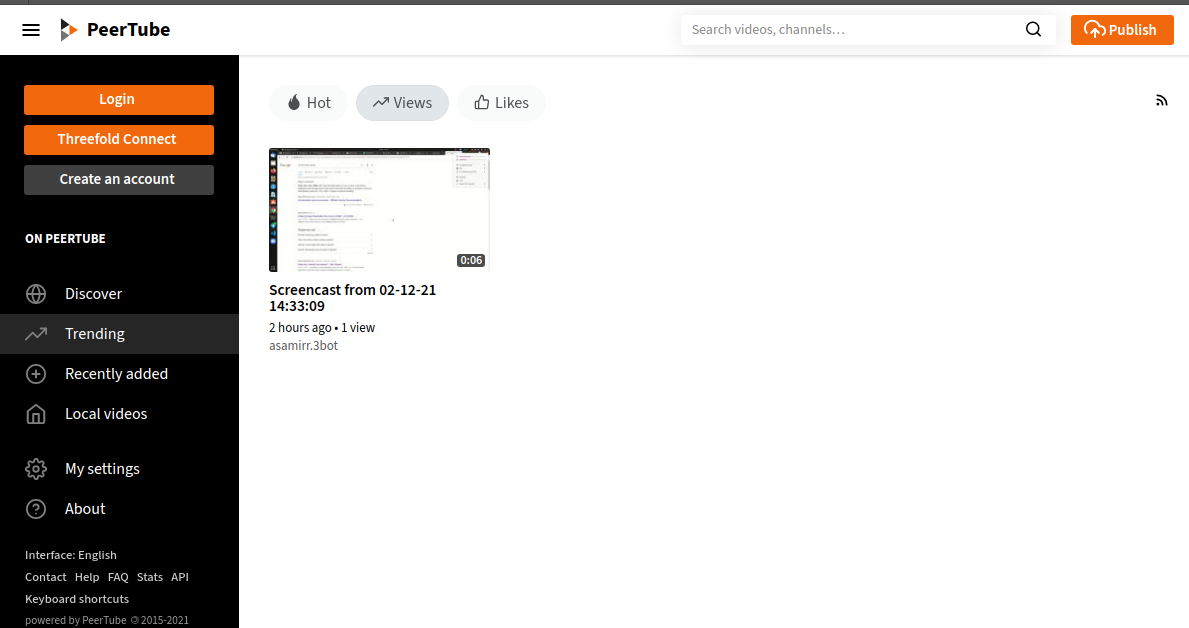
Please note it may take sometime to be ready
Troubleshooting
If you get a Bad Gateway while connecting to the website, you might simply need to wait for the deployment to complete.